
Lite
Use your own touchscreen kiosk
Connect your touchscreen kiosk to Sticky Pay’s digital menu, checkout and payment gateway.
- Digital menu solution
- Checkout
- Payment gateway
- Open checkout with an NFC tap card or QR code
No POS terminal. NFC or QR code only.
Bring your digital menu, checkout and payments together. Connect your own touchscreen kiosk or hardware sourced from your chosen supplier.
Lite
Connect your touchscreen kiosk to Sticky Pay’s digital menu, checkout and payment gateway.
Lite +
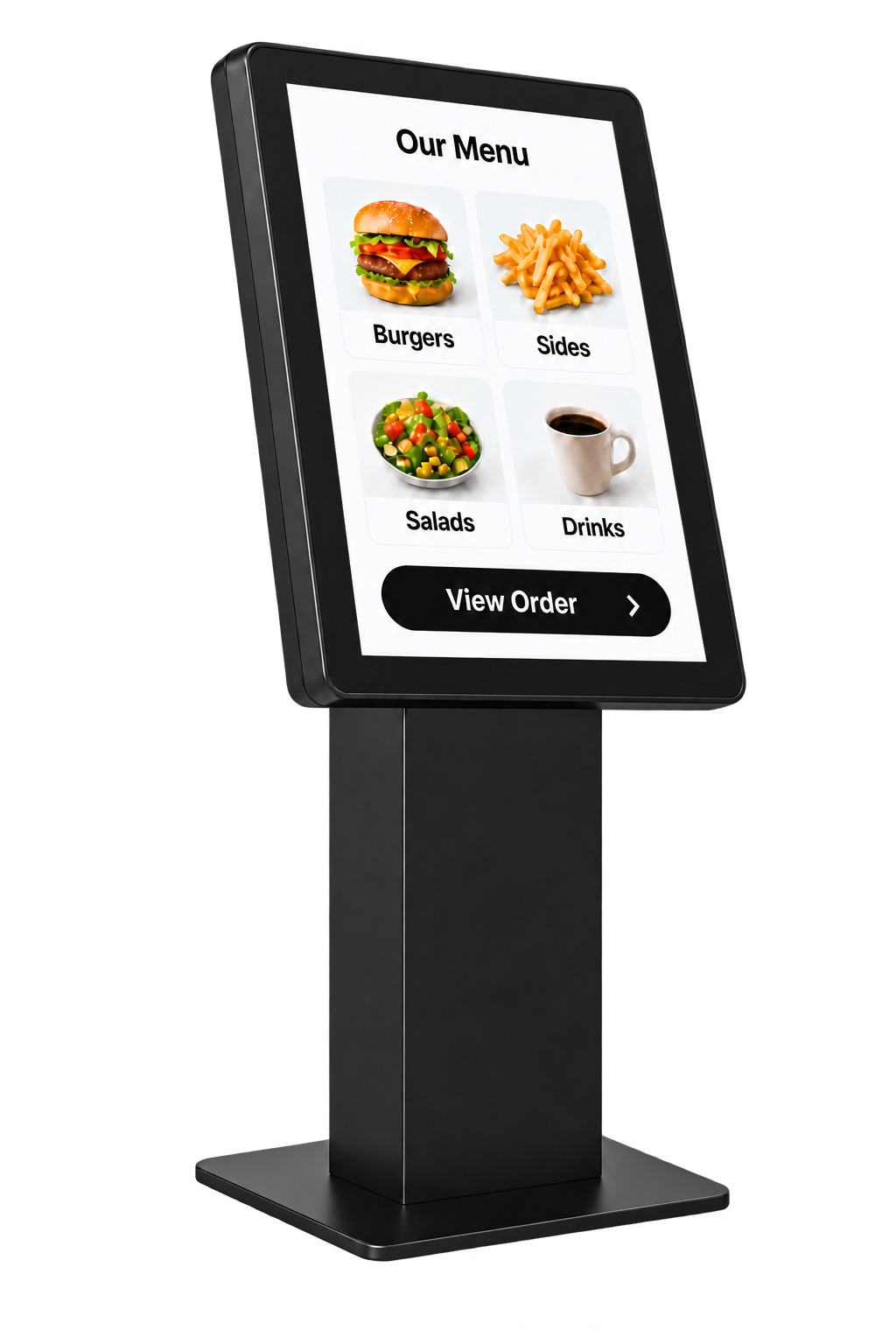
Connect a touchscreen kiosk purchased from your chosen hardware supplier to Sticky Pay’s digital menu, checkout and payment gateway.
Standard
Connect a touchscreen kiosk rented from your chosen hardware supplier to Sticky Pay’s digital menu, checkout and payment gateway.
Tap to pay
Build a new digital menu or bring your existing menu into the platform.
Mobile payments only. Customers tap with their phones, not physical payment cards.
Scan to pay
Dynamic QR codes connect the kiosk and your customer’s phone in real time.
The dynamic QR code links the kiosk order to the customer’s phone for payment. White-label the checkout with your company logo, colours and branding.
Pay on your phone with Apple Pay, Google Pay or debit / credit card details. Physical payment cards are not accepted at the kiosk.
Integrate your kiosk with our checkout and gateway.
Already have a custom-built kiosk, ordering system or platform? We can connect it to Sticky’s checkout and payment gateway, then send payment updates back to your system by webhook.
Pass the order, payment reference and custom data from your existing system.
Customers pay through a checkout styled with your logo, colours and branding.
Receive payment status updates by webhook to keep your order records in sync.
Technical guidance, documentation and hands-on implementation support, including pair programming where needed.
Connect through APIs or embedded payment forms, with payment methods, references and custom fields tailored to your solution.
Use our sandbox to test the integration, with support for functional testing, user acceptance testing, deployment and post-launch validation.
Key Features
Build a new menu or import your existing one, with item names, descriptions, prices and images.
Bring your menu, checkout and payment gateway together.
Link the kiosk order to the customer’s phone in real time using a dynamic QR code.
Customers tap the included NFC cards with their phones to open checkout.
Let customers pay on their phones using supported Apple Pay, Google Pay or card entry.
Complete payment on the customer’s phone; this journey does not accept a physical card at the kiosk.
Connect an existing touchscreen kiosk or hardware purchased or rented from your chosen supplier.
Organise items with names, descriptions, prices and images to suit your business.
Add your company logo, colours and branding to NFC tap cards and the checkout, creating a consistent experience for your customers.
Choose GBP, USD, EUR and other supported currencies for acceptance and settlement, subject to your merchant account and acquiring agreement.
A QUICK GUIDE
Businesses and venues combining self-service menus with payment on the customer’s phone.
Yes. Both NFC tap cards and checkout can be white-labelled with your company logo, colours and branding.
No. Customers complete payment on their phones using Apple Pay, Google Pay or debit / credit card details. The kiosk does not accept physical payment cards.
Use your existing touchscreen kiosk with Lite, independently purchased hardware with Lite+, or independently rented hardware with Standard. Sticky Pay provides the digital menu, checkout, payment gateway and NFC tap cards. Hardware purchases and rentals are arranged with your chosen hardware supplier, not Sticky Pay.
Yes. Build a new digital menu or import your existing menu, then organise item names, descriptions, prices and images.
LET’S TALK
Make it easier for your customers to pay and your team to manage payments. Discover a setup that fits your business, from checkout to the tools you use every day.