
Integrated terminal payments
Open the Sticky Platform Widget inside your supported ERP or CRM and select Card terminal, alongside Virtual Terminal and Pay by Link options.
From your ERP or CRM to the card terminal.
Take card payments directly from your ERP or CRM, with customer account details recorded alongside each transaction in Sticky.
Click Take payment to open the widget.
Customer account details and the payment amount are brought in from the current screen.
£125.00
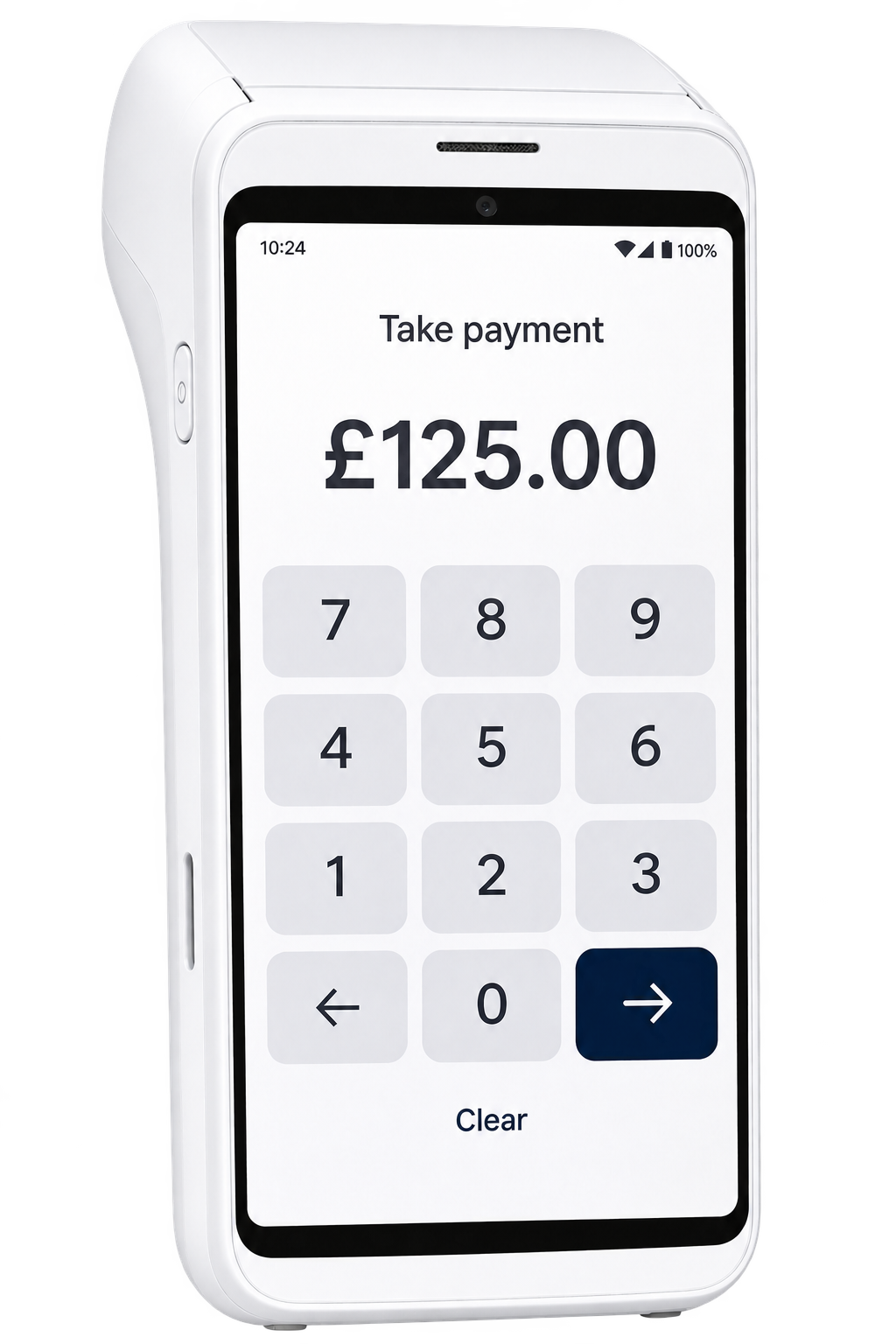
Illustration only · No payment is taken
£125.00
Card terminal payment successful
Customer account details available in the Sticky dashboard.
Open the customer account and click Take payment.
The Sticky widget sits within your supported ERP or CRM. Staff click Take payment from the customer account screen to open it without leaving their task.
Select card terminal to send only the payment amount to the machine. Customer account details stay with the transaction in Sticky and are not passed to the terminal.
Payment status returns to the connected ERP or CRM, with the transaction available in your Sticky reporting.
Key Features
Open the Sticky Platform Widget inside your supported ERP or CRM and select Card terminal, alongside Virtual Terminal and Pay by Link options.
Send the payment amount to the terminal without re-keying. Customer account details are not sent to the card machine.
Accept card, contactless, Apple Pay and Google Pay payments on the terminal.
Return payment status to the connected ERP or CRM so your team can continue their workflow.
View terminal transactions and their customer account details in the Sticky dashboard, alongside your other payment solutions.
Find captured customer account references, deposits and part-payment details against each transaction in the Sticky dashboard.
Support product pricing, itemised payments, tips and digital receipts to suit your operation.
Connect supported cloud-based ERP and CRM platforms, with payment screens and workflows tailored to your requirements.
Configure supported currencies and merchant entities for your payment setup.
Get help with configuration, test transactions and staff onboarding, with training options for larger rollouts.
LET’S TALK
Discuss your ERP or CRM, terminal requirements and payment workflow with our team.